
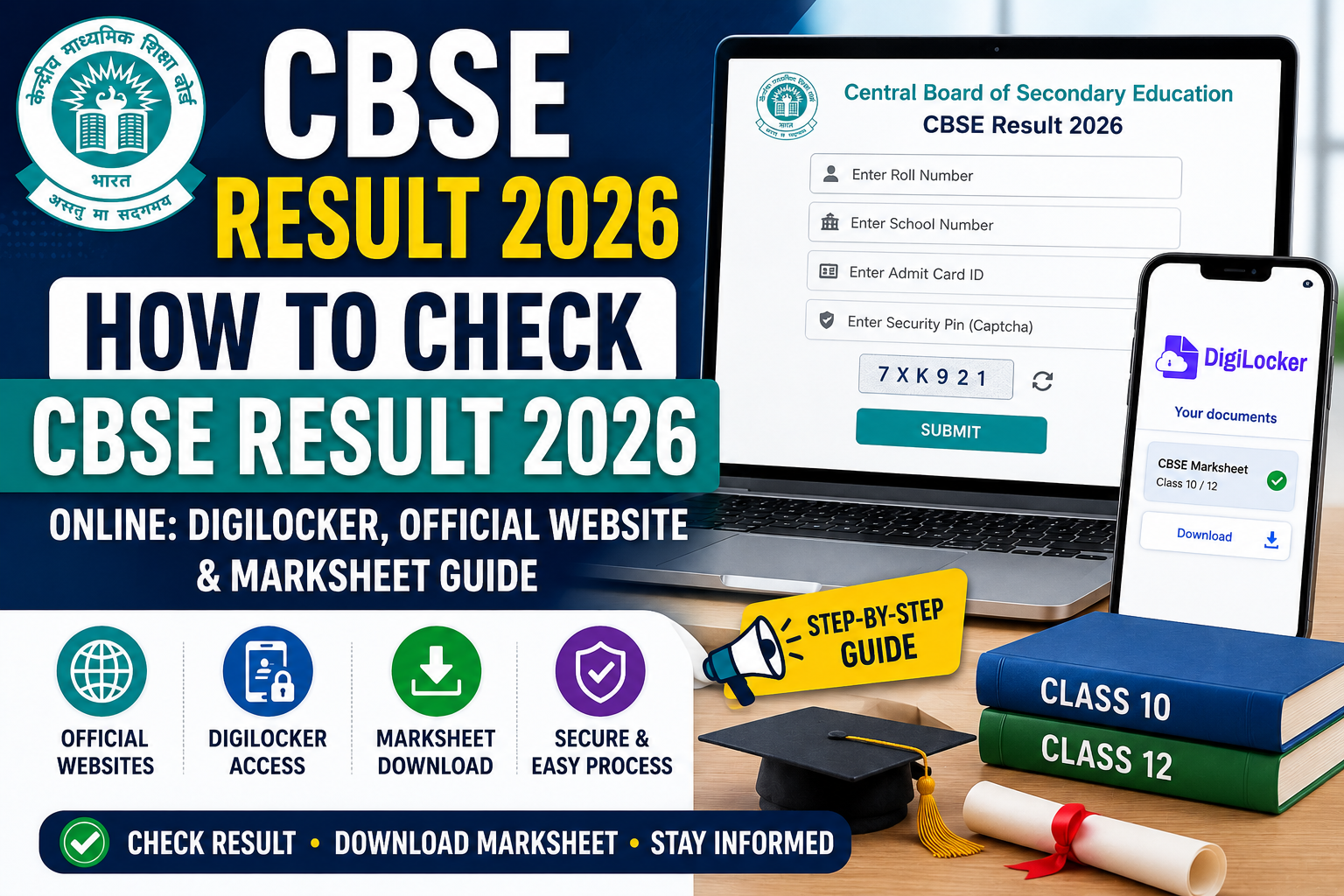
CBSE Board exams complete hone ke baad lakhon students aur parents How To Check CBSE Result 2026, official result websites, DigiLocker marksheet download aur online result process ke baare mein information search karte hain. Result release ke time kai students confusion, website traffic issues aur login-related problems face karte hain.
Class 10 aur Class 12 dono students ke liye result day kaafi important hota hai. Isi wajah se students ko pehle se proper process aur official platforms ke baare mein pata hona chahiye taaki result check karte waqt unnecessary confusion na ho.
Is detailed guide mein aapko CBSE Result 2026 online check karne ka complete process, DigiLocker marksheet access, official websites, troubleshooting tips aur important student instructions simple Hinglish language mein explain kiye gaye hain.
CBSE Result 2026 Latest Update
Central Board of Secondary Education (CBSE) Class 10 aur Class 12 board results official online portals par release karta hai. Result release hone ke baad students roll number aur required credentials ki help se apna scorecard access kar sakte hain.
Generally result release ke time official websites par heavy traffic aata hai kyunki lakhon students ek saath result check karne ki koshish karte hain. Isi wajah se websites temporary slow ya unresponsive bhi ho sakti hain.
Students ko panic karne ke bajay sirf official platforms ka use karna chahiye aur fake result links se bachna chahiye.
Official Websites To Check CBSE Result 2026
Students apna CBSE Result 2026 check karne ke liye following official websites ka use kar sakte hain:
- cbse.gov.in
- results.cbse.nic.in
- results.gov.in
- DigiLocker App & Website
CBSE official websites usually result release ke time active hoti hain aur direct result link homepage par available hota hai.
How To Check CBSE Result 2026 Online
Agar aap pehli baar CBSE result check kar rahe hain ya process ko lekar confused hain, toh niche diye gaye steps follow kar sakte hain:
- Sabse pehle official CBSE result website open karein.
- Homepage par “CBSE Result 2026” ya “Class 10/12 Result” link search karein.
- Result link par click karein.
- Apna roll number aur required details enter karein.
- Submit button par click karein.
- Aapka result screen par display ho jayega.
- Marksheet ka screenshot save karein ya PDF download kar lein.
Students ko result details carefully verify karni chahiye before downloading marksheet. Students should also check the CBSE Passing Marks 2026 criteria to understand minimum qualifying marks.
What Details Are Required To Check CBSE Result?
CBSE result check karne ke liye students ko kuch important details ki zarurat pad sakti hai:
- Roll Number
- School Number
- Admit Card ID
- Date of Birth (some cases)
Students ko result day se pehle apna admit card safely ready rakhna chahiye taaki login process mein issue na aaye.
How To Download CBSE Marksheet From DigiLocker
DigiLocker ek secure digital document platform hai jahan students apni CBSE digital marksheet aur certificates access kar sakte hain. Result release hone ke baad kai students DigiLocker ka use marksheet download karne ke liye karte hain.
DigiLocker especially tab useful hota hai jab official result websites par heavy traffic ki wajah se loading issues aa rahe ho.
Steps To Access DigiLocker CBSE Marksheet
- DigiLocker App ya official website open karein.
- Registered mobile number se login karein.
- Education section open karein.
- CBSE documents option select karein.
- Required details verify karein.
- Digital marksheet access ya download karein.
Students ko DigiLocker account details secure rakhni chahiye aur unofficial apps avoid karni chahiye.
Details Mentioned On CBSE Result & Marksheet
CBSE result aur marksheet mein generally following details mention hoti hain:
- Student Name
- Roll Number
- School Name
- Subject-wise Marks
- Total Marks
- Grade
- Result Status
- Division (if applicable)
Result download karne ke baad students ko saari details carefully verify kar leni chahiye. Agar koi spelling mistake ya information mismatch ho toh school authorities se contact karna important hota hai.
Common Problems While Checking CBSE Result
Result release ke time students ko kuch common issues face karne pad sakte hain:
- Website slow loading
- Server busy error
- Result page open na hona
- Incorrect login details
- DigiLocker login issue
- Captcha verification error
Heavy traffic ke time official portals temporary slow ho sakte hain. Aise situations mein students ko repeatedly refresh karne ke bajay kuch time wait karke dobara try karna chahiye.
What To Do If CBSE Result Website Is Not Working?
Result day par official websites par extremely high traffic aata hai. Kai baar students panic karne lagte hain jab result page open nahi hota ya website slow ho jati hai.
Aise cases mein students:
- DigiLocker platform try kar sakte hain
- Alternative official result portals use kar sakte hain
- Different browser ya device use kar sakte hain
- Kuch time baad dobara try kar sakte hain
Unofficial websites aur fake result links se bachna bahut important hota hai.
Can Students Check CBSE Result On Mobile?
Haan, students mobile phone ke through bhi official websites aur DigiLocker App ka use karke apna result check kar sakte hain.
Mobile users ko stable internet connection use karna chahiye taaki loading issues kam ho sakein.
CBSE Supplementary Result 2026
Jo students supplementary ya compartment examinations mein appear karte hain, woh bhi official portals aur DigiLocker ke through apna supplementary result check kar sakte hain.
Supplementary exam admit card, result updates aur marksheet-related notifications official websites par release kiye ja sakte hain.
Important Tips For Students
- Result day se pehle admit card ready rakhein.
- Sirf official websites ka use karein.
- Result ka screenshot immediately save karein.
- DigiLocker login details secure rakhein.
- Result details carefully verify karein.
- Fake websites aur unofficial apps avoid karein.
What To Do After Checking CBSE Result?
Result check karne ke baad students ko marksheet safely download aur save kar leni chahiye. Future admission process aur documentation ke liye marksheet important hoti hai.
Agar kisi student ko marks ko lekar concern ho toh official verification ya rechecking process ka wait kiya ja sakta hai according to board guidelines.
If students are unhappy with their marks, they can apply through the CBSE Revaluation Form 2026 process.
FAQs
CBSE Result 2026 kaise check kare?
Students official CBSE website par roll number aur required details enter karke result check kar sakte hain.
CBSE result ki official website kaunsi hai?
results.cbse.nic.in aur cbse.gov.in official result platforms hain.
DigiLocker se CBSE marksheet kaise download kare?
Students DigiLocker App ya website par login karke digital marksheet access kar sakte hain.
Website slow ho toh kya karein?
Heavy traffic ke time students kuch time baad dobara try kar sakte hain ya DigiLocker platform use kar sakte hain.
Kya digital marksheet valid hoti hai?
DigiLocker digital documents official purposes ke liye useful ho sakte hain according to guidelines.
Result check karne ke liye kya details chahiye?
Generally roll number aur other required credentials ki zarurat hoti hai.
Official Websites
Latest updates aur forms ke liye students official portals visit kar sakte hain:
Conclusion
How To Check CBSE Result 2026 guide students ke liye result period ke time kaafi helpful ho sakta hai. Students ko sirf official platforms aur trusted sources ka hi use karna chahiye.
Latest CBSE updates, result guides, supplementary exams aur student help articles ke liye CBSEAlert.com par regularly visit karte rahein.
Related Articles: CBSE Compartment Exam 2026, CBSE Supplementary Result 2026
How To Check CBSE Result 2026, CBSE Result Online, CBSE DigiLocker Result, CBSE Result Official Website, CBSE Marksheet Download, CBSE Result Kaise Check Kare, CBSE Result Login, CBSE Student Help, CBSE Latest Updates, CBSE Result Guide, CBSE DigiLocker Marksheet, CBSE Class 10 Result, CBSE Class 12 Result